
Backups That Actually Work: The 3-2-1 Rule for Small Businesses
Why business backups fail when you need them, and how the simple 3-2-1 rule, tested restores and immutable copies keep your North Wales business safe.
- Backup
- Cyber Security
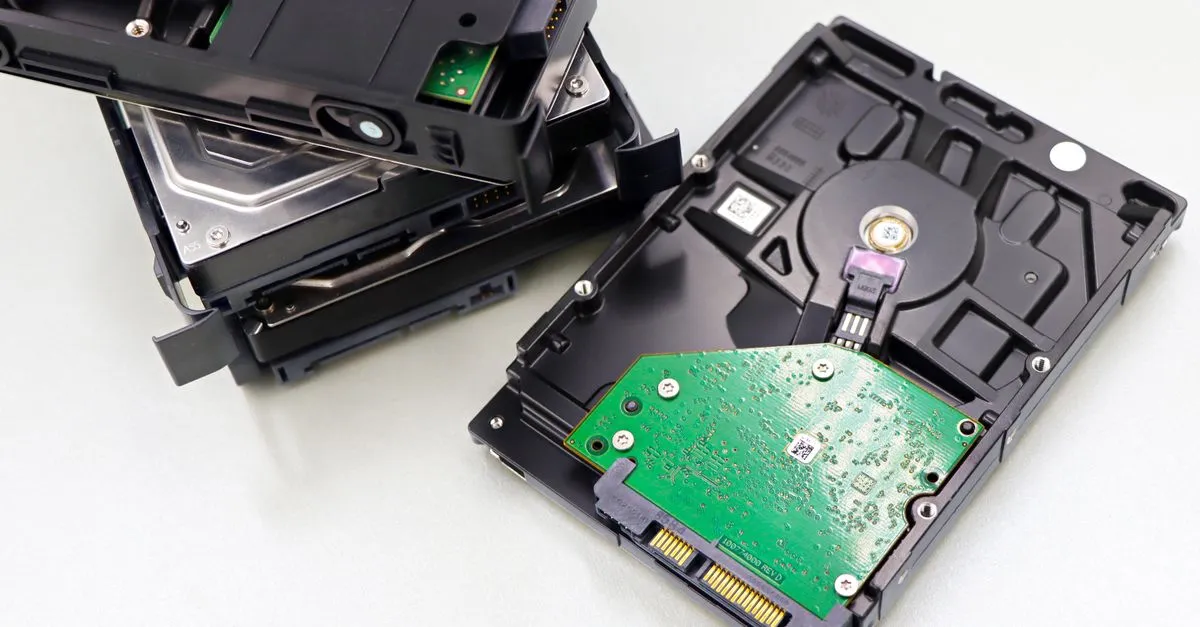
Almost everyone has backups of some sort. The trouble is that plenty of those backups quietly do not work, and nobody finds out until the day they are needed. By then it is too late. A backup is not really about copying data, it is about being able to get your business running again after something goes wrong. Those are two very different things, and the gap between them is where firms come unstuck.
This post explains why backups fail, the simple 3-2-1 rule that fixes most of those failures, and what good actually looks like for a small business. No jargon, just the things that matter.
Why backups fail when you need them
In our experience, backups let people down for a handful of repeat reasons.
The first is that they are never tested. A backup job runs every night, the little green tick appears, and everyone assumes all is well. Then a real restore is needed and the files are incomplete, corrupted or were never being copied in the first place. A backup you have not tested is a guess.
The second is having only one copy. If your backup lives on a single drive plugged into the same machine, a fire, theft, flood or hardware failure can take the original and the backup together.
The third is ransomware reaching the backup too. Modern ransomware deliberately hunts for backups and encrypts them, because criminals know that a business with no backup is far more likely to pay. If your backup is just another folder on the network, it is at risk.
The fourth is assuming Microsoft 365 is backed up when it is not. This one catches a lot of people. We cover it properly further down.
These are most of the avoidable IT problems we see, and we have written more about that in our post on 5 common IT mistakes small businesses should avoid.
The 3-2-1 rule, explained simply
The 3-2-1 rule is the simplest way to remember what a sound backup looks like. It goes like this:
- 3 copies of your data. The live version you work on, plus two backups.
- 2 different types of media or location. For example, one backup on a local device and one in the cloud, so a single failure cannot take both.
- 1 copy kept offsite or offline. Somewhere a fire, flood or ransomware attack on your office cannot reach. An immutable cloud copy counts here too.
Follow that and you have covered the big three risks: hardware failure, disaster at your premises, and ransomware. It is easy to say and not much harder to do, but each part has to be real, not just on paper.
Test your restores, for real
This is the part that gets skipped, so we will say it plainly: a backup is only as good as your last successful restore. Set a date in the calendar, pick some files, and actually bring them back. Do the same now and then for something bigger, like a full mailbox or a server. It tells you two things that matter enormously in a crisis: that the data is genuinely recoverable, and how long it takes. If you only ever find that out during a real emergency, you have left it to chance.
How much can you afford to lose, and how fast must you be back
Two straightforward questions shape any sensible backup plan.
First, how much data can you afford to lose? If your backup runs once a night and something fails at 4pm, you have lost a whole day’s work. For some businesses that is an annoyance, for others it is a disaster. The more often you back up, the less you stand to lose.
Second, how long can you be down? Restoring a few files takes minutes. Rebuilding an entire server from a cloud backup over a normal broadband line can take many hours. Knowing your honest answer to both questions tells you what kind of backup you actually need, rather than paying for too much or, worse, too little.
Combine local and cloud
For most small businesses, the sweet spot is one local backup and one in the cloud. The local copy gives you fast restores for the everyday mishaps: a deleted file, a failed drive, a corrupted document. The cloud copy is your offsite protection, safe from anything that happens at your premises. Together they satisfy the 3-2-1 rule comfortably and cover both the quick fixes and the genuine disasters.
Make it ransomware resilient
Because ransomware now goes after backups on purpose, at least one of your copies needs to be out of its reach. The strongest option is an immutable backup, which means a copy that cannot be changed or deleted for a set period, even by an administrator login. If criminals get into your systems, they still cannot touch that copy. An offline backup that is physically disconnected achieves the same goal. This single feature is often what separates a business that recovers in a day from one that loses everything.
Do not forget Microsoft 365
Here is the assumption that trips up so many businesses: that everything in Microsoft 365, your email, OneDrive, SharePoint and Teams, is automatically backed up by Microsoft. It is not, at least not in the way you would want. Microsoft keeps the service reliable, but recovering from accidental deletion, a hacked account or a malicious wipe is down to you, and the built-in retention windows are limited. A proper third party backup of Microsoft 365 closes that gap, and it is one we recommend to nearly everyone.
Getting it right without the headache
Backups are one of those jobs that are easy to set up badly and easy to forget once they seem to be running. We build backup into our managed IT support, and we treat ransomware resilience as part of good cyber security, not an optional extra. That means tested restores, offsite copies and Microsoft 365 covered, all monitored so problems get spotted before they bite.
If you are not certain your backups would actually save you, let us check. Book a free IT review and we will take an honest look at how your data is protected, what is solid and what needs attention. No pressure, just a clear answer to a question every business owner should be able to answer with confidence.
Frequently asked questions
Isn't my data already backed up because it's in Microsoft 365?
Not in the way most people assume. Microsoft keeps its service running and stores your data reliably, but it is your responsibility to be able to recover from accidental deletion, a compromised account or a malicious wipe. If a file or whole mailbox is deleted and you notice after the retention window, it can be gone for good. We recommend a separate backup of Microsoft 365.
How often should we back up?
It depends on how much work you could afford to redo. If losing a day's data would be painful, a once a day backup is not enough. Most businesses we work with back up several times a day or continuously. The right answer comes from a simple question: if it failed at 4pm, how far back would you be willing to go?
What makes a backup ransomware-proof?
The key is that ransomware cannot reach or alter the backup. That usually means at least one copy that is offline, or immutable, which means it cannot be changed or deleted for a set period even by an administrator account. Without that, ransomware can encrypt your backups along with everything else, which defeats the point.
Want this checked for your own business?
Book a free IT review, a straightforward, no-obligation review of where your IT stands.
Book your free IT review